Hisense / VIDAA
Screen TV for Hisense TVs running VIDAA is coming soon. Installation will be available when this edition launches.

Riproduci le tue playlist M3U, M3U8 o Xtream Codes su Smart TV, dispositivi mobili e Windows.
Screen TV for Hisense TVs running VIDAA is coming soon. Installation will be available when this edition launches.
For Philips TVs running Titan OS. Check your TV’s app catalog for Screen TV. Philips Android TV and Google TV models use the Android TV edition.
Install from Samsung Apps. USB is an alternative only on compatible Tizen models; APK and EXE files are not Samsung TV packages.
Use the LG Content Store on a compatible webOS television. Android APKs cannot be installed on webOS.
Choose ScreenXperience or ScreenPRO IPTV for Android TV / Google TV. Open the Google Play listing on your device to install the compatible version. The TV APK is also available for manual installation.
In Downloader, enter https://apk.screentv-app.com/ to obtain the TV APK. The existing short code is 305790; use the full URL if the short link fails.
The official Windows download is saved as ScreenTVInstaller.exe. Download it to a Windows PC, then run the installer there.
Choose ScreenXperience, Screen Mobile or ScreenPRO IPTV. ScreenXperience is the Android TV / Google TV edition, Screen Mobile is for phones and tablets, and ScreenPRO IPTV is available for Android devices. Check the Google Play listing for your device.
Use the existing Huawei AppGallery listing. Check device and region availability in the store.
Use the Roku store listing for a supported Roku device; APK, EXE and Samsung ZIP packages are not Roku installers.
Discover a familiar home screen, find something to watch, and pick up where you left off.
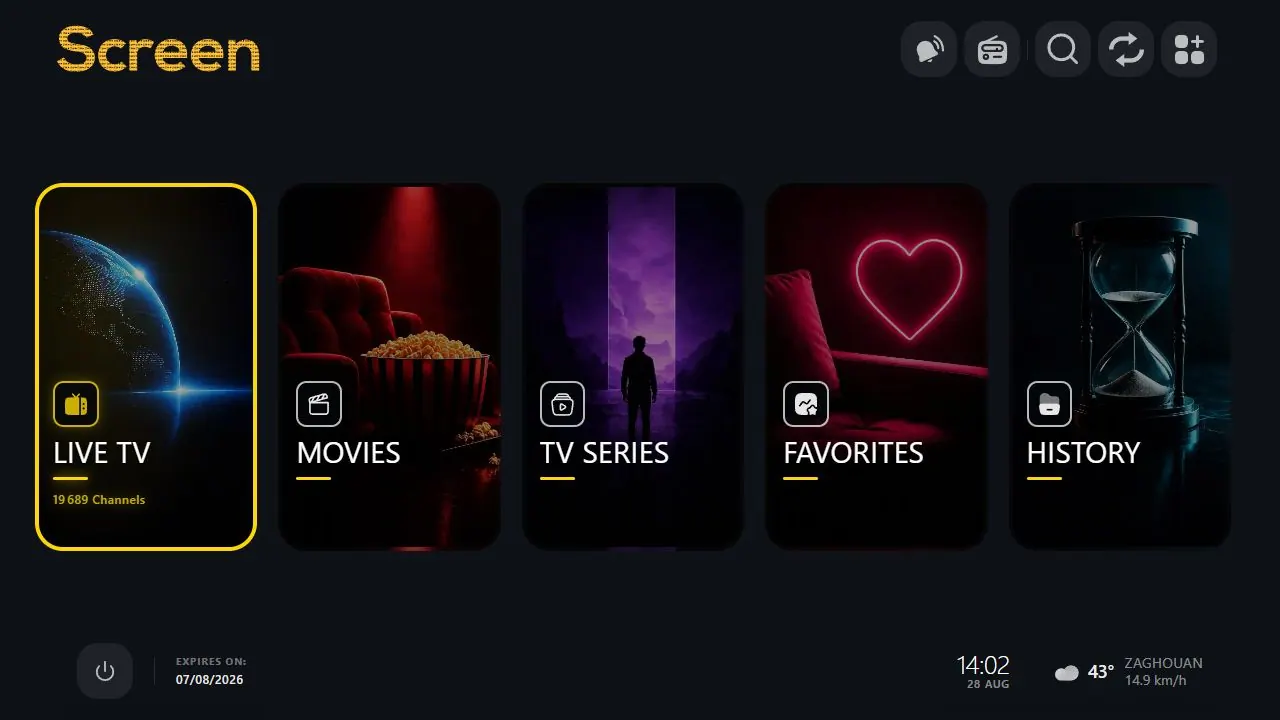
A clear home screen brings your playlist and favorite features together.
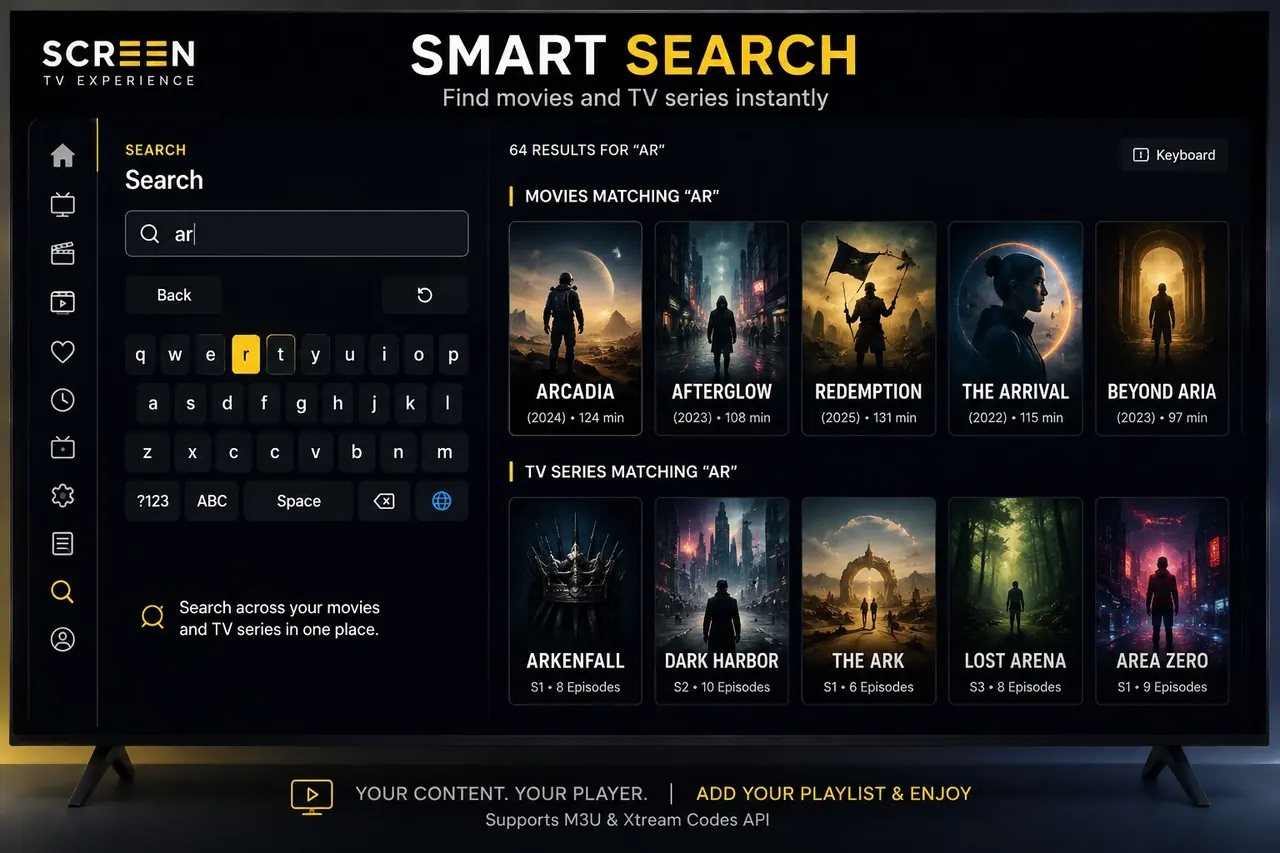
Find what you want to watch across your playlist.
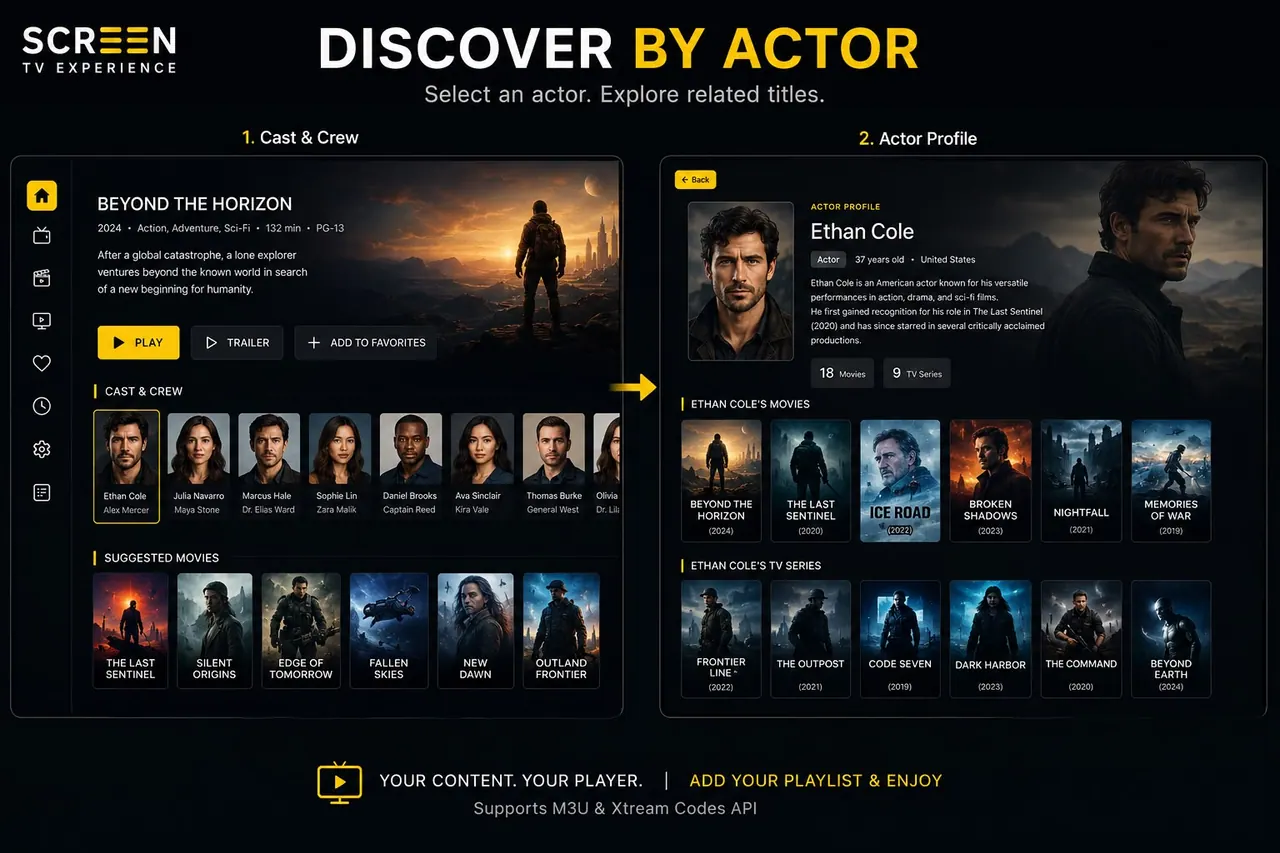
Explore movies and series featuring your favorite actors.
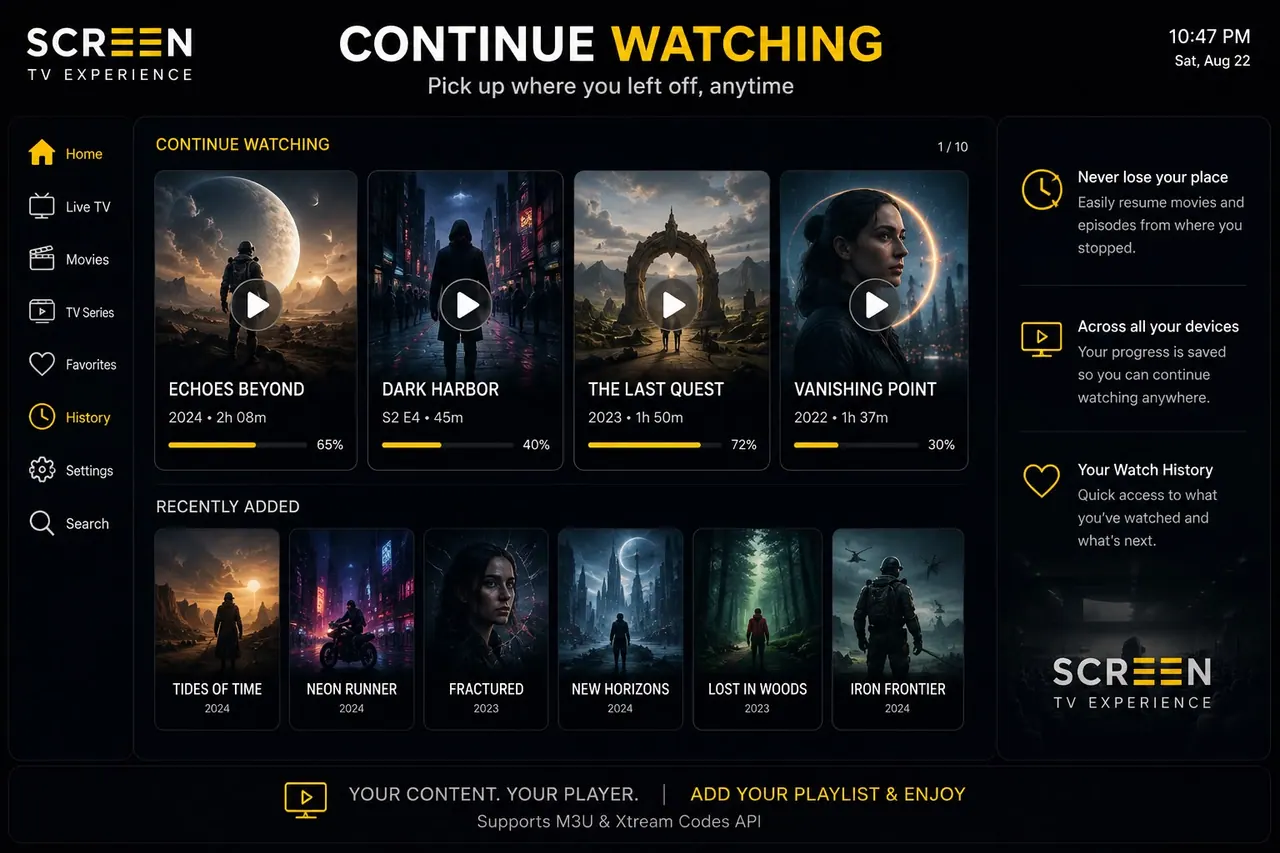
Return to the movies and episodes you started.
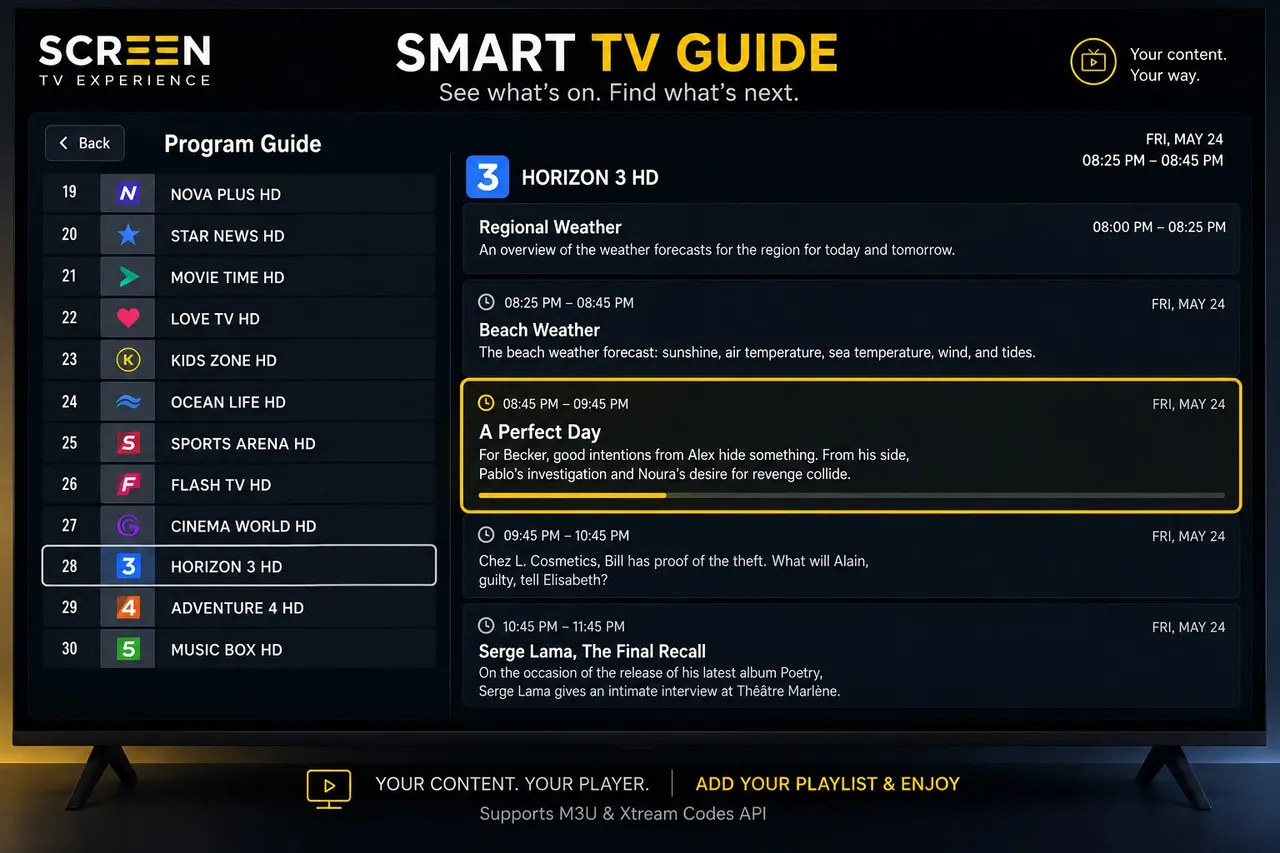
Browse schedules provided by your playlist’s TV guide.
No. Screen TV è un lettore IPTV indipendente. Richiede il tuo abbonamento.
Le API TMDB e IMDB arricchiscono automaticamente film e serie.
Sì. TMDB e IMDB sono piattaforme pubbliche di informazioni cinematografiche.
Compatibile con la maggior parte dei modelli Tizen recenti.
Sì, tramite sincronizzazione cloud sicura.
Screen TV supporta playlist M3U, M3U8, credenziali Xtream Codes e guide EPG XMLTV su Samsung Tizen, LG webOS, Android TV, Google TV, Amazon Fire TV, Roku, smartphone Android e Windows.
Apri l'app Downloader su Fire TV, consenti le app da fonti sconosciute, inserisci il codice 305790 o https://apk.screentv-app.com/ e installa l'APK ufficiale.
Avvia Screen TV per visualizzare l'indirizzo MAC e la chiave del dispositivo, accedi al portale Screen TV, inserisci il tuo URL M3U o i dati Xtream Codes autorizzati, salva e aggiorna l'app.
Prova prima un altro canale o video. Se il problema riguarda un solo flusso, contatta il tuo fornitore di contenuti. Se riguarda più flussi, metti in pausa gli altri download, prova Ethernet o un segnale Wi-Fi più forte e riavvia l’app.
Verifica che il tuo fornitore della playlist offra una guida EPG. Se usi un URL XMLTV separato, controllalo, aggiorna la guida e verifica che gli identificativi dei canali corrispondano a quelli della playlist.
Apri Screen TV sul dispositivo da gestire e annota l’indirizzo MAC e la chiave mostrati nell’app. Usa questi dati per accedere al portale del dispositivo e mantieni la chiave riservata.